
Black, dim or damaged display
Check power, backlight, display connections and the LCD. A blank screen alone does not prove the head unit needs replacement.
Display and power checksInfotainment · Navigation · App-Connect
Black screen, ghost touches, rebooting or CarPlay disconnecting? Our independent Volkswagen workshop in Al Quoz 4 checks the display, infotainment unit and connection before recommending repair or a compatible replacement.
For a repairable fault on selected Golf systems. Replacement, other hardware and required setup are different jobs; your written quote identifies the total.
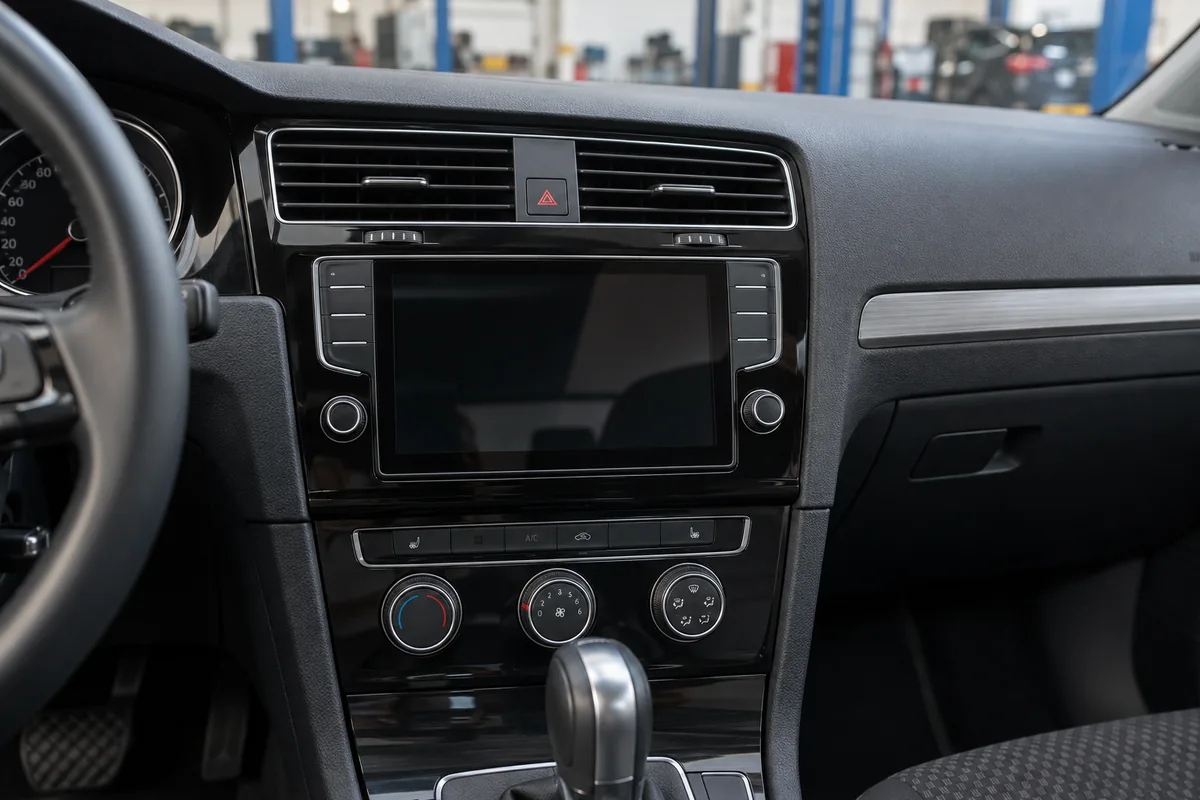
Price the right job
A touch layer, complete display and infotainment head unit are different parts. Identify the failed function before paying for a complete system.
Connectivity repair, activation, retrofit and regional map support are quoted after checking the installed hardware and available authorised options. They are not automatically included in a display price.
Start with the symptom
Tell us what still works as well as what has failed. Audio with a black screen suggests a different investigation from a unit that will not power up.
Check power, backlight, display connections and the LCD. A blank screen alone does not prove the head unit needs replacement.
Display and power checksThe touch layer may fail while the picture stays clear. Check touch response across the panel and whether unwanted inputs continue with the phone disconnected.
Touch layer versus softwareInspect supply stability, fault records, software and connected devices. Audio faults can also involve the amplifier, speakers or wiring.
System and connected equipmentCheck App-Connect, USB or wireless connection separately from built-in maps and GPS reception. A working radio does not establish that every feature is supported.
Connectivity and region checksDriver instruments affected instead? Speedometer, gauges and Digital Cockpit faults belong to our instrument cluster repair service.
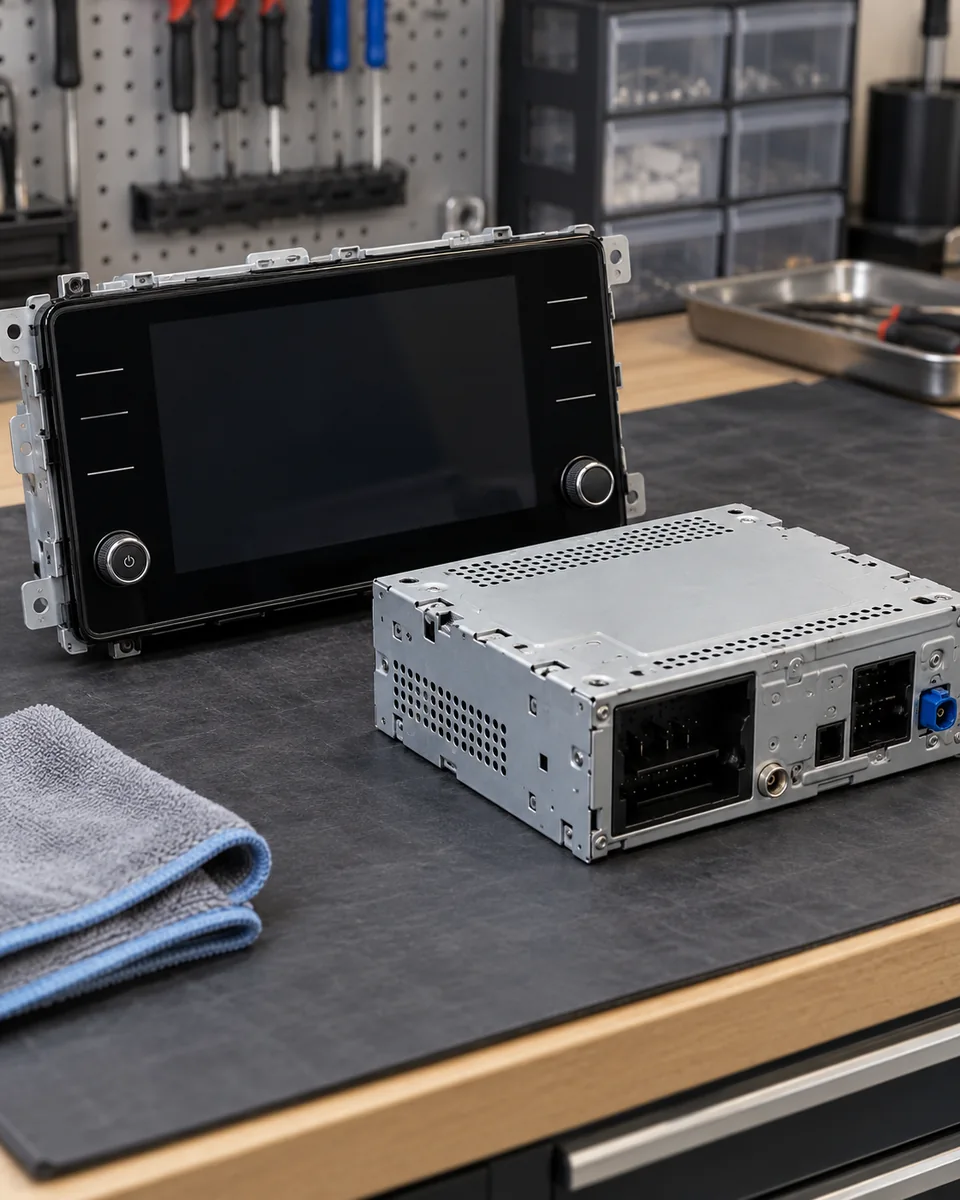
Repair the failed part
A supported software correction, supply repair or connection fix may resolve the problem without replacing the display. We establish the cause and applicable remedy first.
A serviceable assembly may allow touch-layer, backlight or display work. Cracked glass, liquid damage and circuit condition determine whether repair is worthwhile.
Use the correct display or head unit when the original is unserviceable. Match the hardware and required setup before ordering; a larger screen is not automatically compatible.
The screen provides the picture and touch input. The head unit runs infotainment functions; depending on the system, it may sit elsewhere in the car or be integrated with the screen.
Apple CarPlay & Android Auto
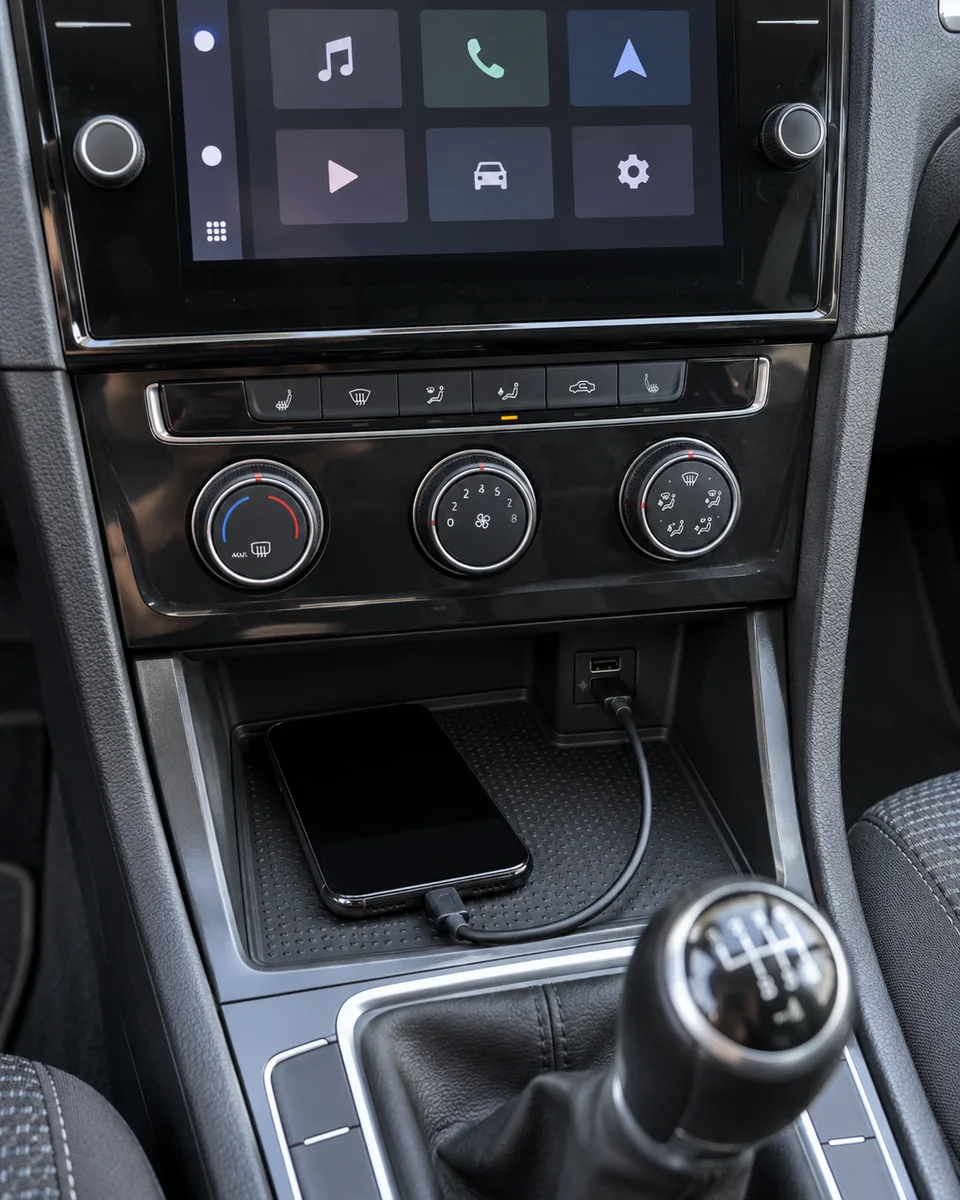
Volkswagen App-Connect brings supported phone apps to compatible infotainment systems. Bluetooth calling, built-in navigation and phone projection are separate functions.
Test a suitable data cable and the correct data-capable USB port. Charging alone does not confirm a working data connection. Adapters and damaged sockets can interrupt communication.
Check that the car actually supports wireless projection, then check phone compatibility, Bluetooth, Wi-Fi and pairing permissions. Working Bluetooth audio does not mean wireless CarPlay is fitted.
Identify the unit, software, USB hardware and legitimate activation options. Activation cannot add missing hardware, and a map update does not create CarPlay support.
For iPhone faults, Siri, CarPlay restrictions and iOS compatibility also matter. Android Auto has its own phone, software and vehicle requirements.
Dubai and imported vehicles
An imported VW can have a working screen with the wrong map coverage or unsupported regional services. Screen replacement alone does not resolve those differences.
Bring the model year, original market and a photo of the system-information screen. VIN and unit part numbers help establish the supported options.
Check whether compatible, legitimately supplied UAE/GCC map data is available for that unit and software. A European, US, Japanese or Chinese unit is not guaranteed to accept a different region’s files.
Wrong location or no position fix needs GPS reception and antenna checks. Missing roads with otherwise correct positioning can require a map-data assessment instead.
Arabic menus, voice guidance and map labels are separate capabilities. VW Connect, We Connect and other online services may depend on the vehicle, country, account and subscription.
Compatible CarPlay or Android Auto uses supported phone apps rather than the factory map database. Check the phone app’s region, connectivity and offline-map options; this does not convert the built-in navigation system. For maps, radio bands and language on imported cars, read our imported VW navigation and GCC maps guide.
Compatibility before purchase
Golf, Polo, Jetta, Passat, Tiguan and Touareg equipment varies by year, trim and market. A matching dashboard shape is only the start.
Identify older RCD/RNS equipment, Composition Media, Discover Media/Pro and the applicable MIB generation. Newer VW and ID. systems need their own hardware and software identification.
Check steering-wheel controls, microphone, amplifier, reversing camera, parking display and vehicle settings. A replacement must support the functions agreed in the quote.
Compare a suitable genuine, OEM, refurbished or retrofit option with its condition and limitations stated. Some head units require coding, parameterisation, licensing or authorised component-protection work.
Built-in navigation: some Composition systems do not have factory navigation. A touch screen or an SD slot alone does not establish navigation capability.
Used head units: check origin, compatibility and required security setup before purchase. We do not promise that any second-hand unit can be unlocked or fitted.
Assessment to handover
Send the model, year, symptoms, system-information photo and whether the fault changes when your phone is disconnected.
They help reproduce connection faults. Unlock or approve phone access yourself when needed; do not send passwords or account codes.
Call 056 464 6081Record the fitted system, symptoms and relevant fault codes. Check power, connections and affected functions as indicated.
Agree testing costs and the written repair quote. Required third-party or authorised setup is identified before committing to a replacement.
Check touch response, audio, phone connection and fitted camera or vehicle functions affected by the work. Test navigation where applicable.
Agree any reset first. Pairings, presets or saved destinations may need restoring.
Stated with the quote or invoice once parts, repairability and required setup are known.
Before you book
Answers to help you choose the right assessment.
Selected Golf touch-screen repair examples are AED 800–1,500. Selected Tiguan display replacements range from AED 1,500–5,000, while complete Golf infotainment-unit examples are AED 3,500–7,000. These are planning guides. The written quote identifies your exact part, diagnosis, fitting, required setup and VAT treatment.
No. Power, wiring, display connections, the backlight, software or the head unit can cause a dark display. Whether sound, controls and other functions still work helps guide testing. The failed component should be identified before replacing the complete system.
A repairable touch-layer fault may allow the original system to be retained. The panel, glass, electronics and any liquid damage need assessment first. Ghost touches do not automatically justify a complete head-unit replacement.
No universal upgrade applies to every VW. Availability depends on the installed system, USB hardware, software and legitimate activation or retrofit options. Wired and wireless support are separate checks; a larger screen or working Bluetooth does not establish CarPlay compatibility.
Charging can work even when USB data communication does not. Check a suitable data cable, the correct USB port, vehicle support, Siri and CarPlay permissions. Where wireless CarPlay is supported, Bluetooth and Wi-Fi settings also matter. A connection fault does not by itself prove screen failure.
The original market, head-unit part number, software and available licensed map coverage must be checked. A region change is not guaranteed, and copying a different map package is not a universal conversion. Arabic language support and connected services require separate compatibility checks.
Physical fit is not enough. The display, head unit, connectors and vehicle functions must match. Coding, licences or authorised component-protection work may be required. Check the complete fitted arrangement before buying a used unit or requesting a larger display.
A reset or replacement may remove pairings, presets or saved destinations, so data handling is agreed first. Timing depends on diagnosis, repairability, parts availability and any required authorised setup. The workshop explains the schedule and applicable repair terms with your quotation.
Volkswagen Repair Dubai
Al Quoz 4, Dubai · Monday–Saturday, 09:00–19:00.
Send your model, year and a clear photo of the display or system-information page.