In this guide
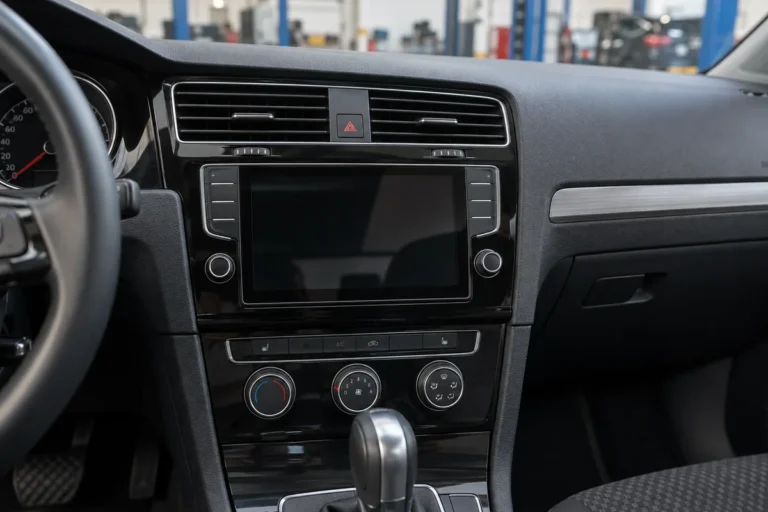
An imported Volkswagen often shows no UAE maps because its navigation unit carries map data, software and settings for the market it was built for, such as the US, Japan, Europe, China or Canada. The screen works, but the map region, radio band, voice language and online services may not match the GCC. The fix starts with identifying the exact unit and checking which legitimate options exist for it.
Written by the Volkswagen Repair Dubai workshop team in Al Quoz 4. Reviewed by the technical team, updated October 2026.
Key takeaways
- Map data is released by region, so a unit built for another market may hold no UAE or GCC coverage.
- Radio tuning steps and FM range can differ by market, which is why some Dubai stations will not tune.
- Voice language, Arabic menus and connected services are separate capabilities, not part of the map file.
- Identify the system first, from the system information screen, the VIN and the unit part number.
- Use only official Volkswagen map packages for that unit. A region change can never be promised.
- We do not supply unlicensed map files. Apple CarPlay or Android Auto is often the practical answer.
Why does an imported VW show no UAE maps?
Every Volkswagen navigation system is supplied for a sales region. The hardware may look identical to a GCC car, but the map database, software build and regional settings inside it were chosen for the country where the car was first sold. When that car arrives in Dubai, the unit often keeps showing the home market, a blank grey screen around your position, or a message that no map data is available for the area.
Official Volkswagen map update sites ask you to choose your car, the model year, the navigation system and then the region file. That process tells you something important. Map packages are matched to a unit and a region, so a European, US, Japanese or Chinese unit may not accept another region of files.
- No map at all usually means the unit has no data for this region.
- Wrong region shown means it is still loaded with its original market maps.
- Correct position but missing roads points to old map data rather than a fault.
- Wrong position or no fix points to GPS reception or the antenna instead.
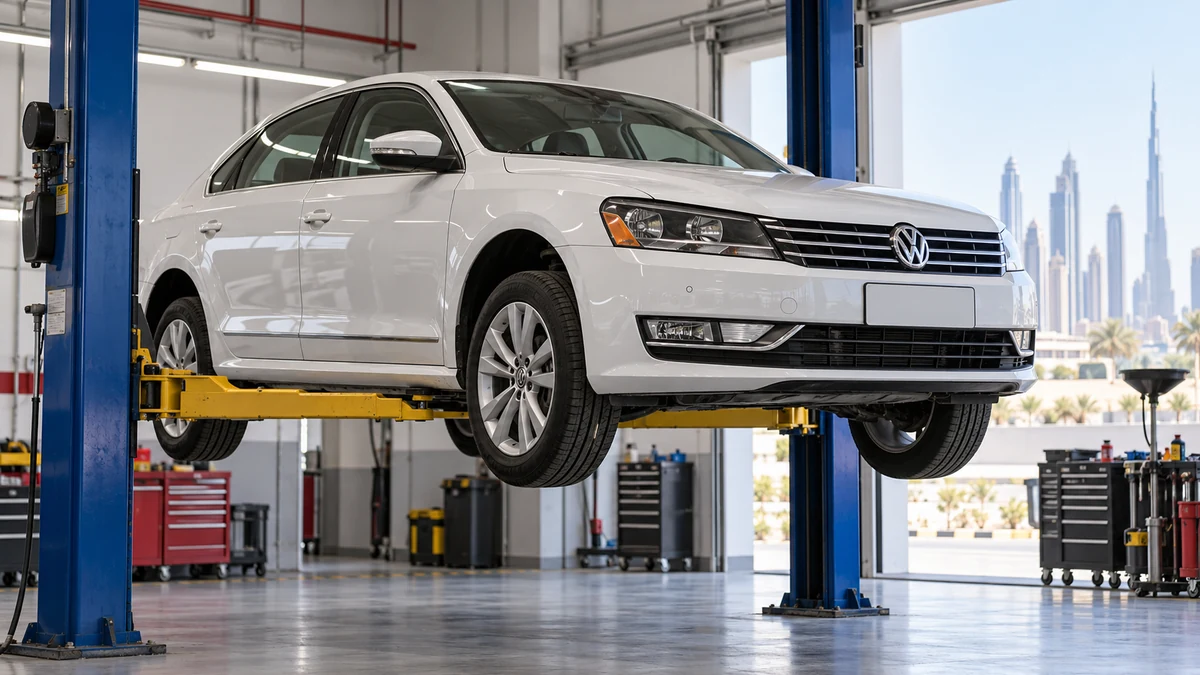
Separating these four symptoms matters, because each one leads to a different check. A no position fix is an antenna and reception job. A missing road is a map age question. A unit that shows Europe while parked in Al Quoz is a region question, and that is where most imported car enquiries start.
Which features change with the market a VW was built for?
Navigation is only one part of the picture. The infotainment unit also controls the radio, voice functions, phone projection and, on newer cars, online services. Each of these can follow the original market.
| Feature | What can differ on an import | What it usually looks like in Dubai |
|---|---|---|
| Map coverage | Region files for the home market only | No UAE map, grey screen or wrong country |
| FM and AM radio | Tuning step and frequency range | Some stations skip or cannot be reached |
| Menu and voice language | Languages included in the software build | No Arabic option, limited voice guidance |
| Voice control | Supported languages and online voice features | Commands not recognised or not available |
| App Connect | Hardware, software and activation status | CarPlay or Android Auto missing or inactive |
| Online services | Country, account and subscription rules | We Connect or VW Connect features unavailable |
A car can be fully healthy and still show several of these differences. They are not faults in the usual sense. They are the result of a car designed for a different country, and the right response is to understand which ones can be addressed in a supported way and which cannot.
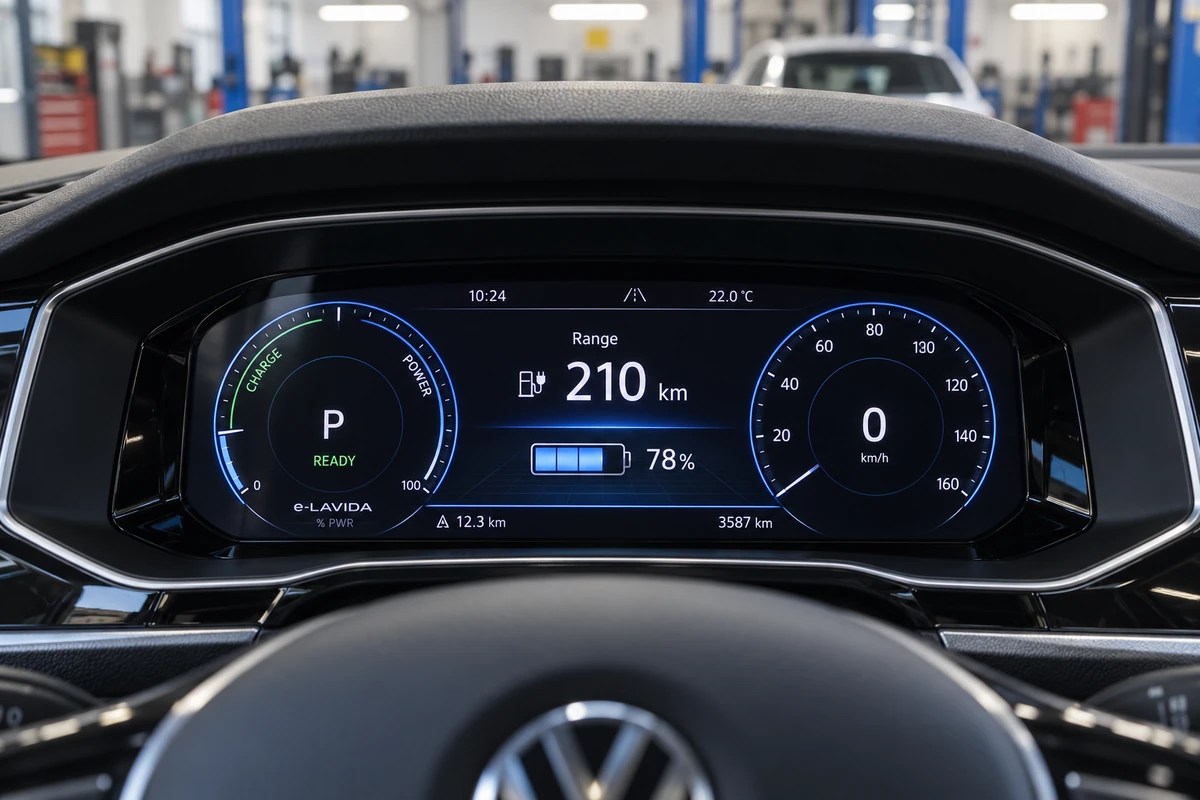
Why will my imported VW radio not tune some Dubai stations?
Radio is the first thing many owners of imported cars notice. The cause is usually the tuning plan the radio was set up for, not a broken receiver.
The North American channel plan spaces FM stations 200 kHz apart, and the USA uses only odd decimals such as 98.1 and 98.3. A radio locked to that step can jump straight past stations that sit on an even decimal.
Most countries place FM stations on multiples of 100 kHz, so a frequency such as 98.2 is normal. A car built for that plan tunes these stations without trouble, which is why European imports rarely show this symptom.
The FM band in Japan is 76 to 95 MHz, lower than the band used here. A Japanese market radio may not reach higher stations at all, and converters cannot fully cover the international band.
Japanese cars fitted with a band converter can also show the wrong frequency on the display, and the original antenna may perform poorly on the higher band. AM reception can also suffer when the step setting does not match local stations. On some units a supported coding option controls the radio region or tuning step, and on others it is fixed in the software build. That is a check, not a promise, and it is done on the car with the unit identified first.
What about voice control, language and Arabic support?
Owners often expect a map update to bring Arabic menus or local voice guidance with it. In practice these are separate parts of the system.
- Menu language
- The languages offered in the settings menu come from the software build. A unit built for one market may not include Arabic at all.
- Voice guidance
- Spoken turn instructions are a separate capability from the map. A UAE map does not automatically bring a matching voice.
- Voice control
- Speech commands depend on supported languages and, on newer systems, on online services that may not work outside the home market.
- Map labels
- Street and place names come from the map data, so their language depends on the region package the unit can accept.
This is why we ask what you actually want from the system before anything else. An owner who mainly wants Arabic menus has a different question from one who wants turn by turn guidance to a Dubai address, and both differ from an owner who only wants the radio to work.
How do I tell which navigation unit my VW has?
Volkswagen has fitted several generations of infotainment, and the right answer depends on which one is in your car. A matching dashboard shape is only the start, because equipment varies by year, trim and market.
-
Open system information
Find the system or version information screen in the settings menu and take a clear photo of it.
-
Note the unit name
Look for the system name on the screen, the faceplate or in the menu, for example Discover Media or Discover Pro.
-
Record the VIN
The VIN and model year help confirm the original market and the factory equipment.
-
Check the part number
The unit part number and software version confirm which updates and options exist for it.
Older RNS units
Earlier cars may carry an RNS family unit, such as the RNS 315 or RNS 510 names owners often quote. These are a separate generation with their own options.
Composition Media
Some Composition systems have a touch screen but no factory navigation. A screen or an SD slot alone does not prove navigation is fitted.
Discover Media
A factory navigation system named on official Volkswagen map update pages, updated with region map packages from SD card or USB.
Discover Pro
The larger factory navigation system, also listed on official map update pages. Newer generations add more online functions.
Behind these names sit the MIB platform generations, which our technicians identify from the unit and software data rather than from the screen size. Newer Volkswagen and ID. systems need their own hardware and software identification.

Not sure which unit you have? Send us a photo of the system information screen with your model and year, and we will tell you what to check next.
What are the legitimate ways to update VW maps?
There are only a few official routes, and all of them start with matching the file to your exact unit and region. These are the ones described by Volkswagen itself.
Volkswagen map update sites ask you to select the car, model year and navigation system, then the region file. You check the file date, save it and copy it to an SD card or USB C drive. Eligible models appear on the map packages page.
With the card or drive in the infotainment system and the ignition on, the update should start automatically. Volkswagen says it may take up to 4 hours, pausing when the car is off and resuming when it is switched back on.
Volkswagen UK vans information describes buying an updated SD card from a Van Centre as one option, alongside downloading the full map data in one go or in segments from the Volkswagen infotainment website.
Some newer models support over the air updates, while older models may still need a manual update by SD card. Online functions depend on the vehicle, the country, the account and any subscription.
Volkswagen UK notes that updated map packs are usually released twice a year and that some content on the download site may not be specific to every country. In Australia, Volkswagen describes updates as generally free for most factory systems such as Discover Media and Discover Pro when you install them yourself. Terms differ between markets, so the key question for an imported car is simple. Does an official package that covers the UAE exist for this unit and software, and will the unit accept it?
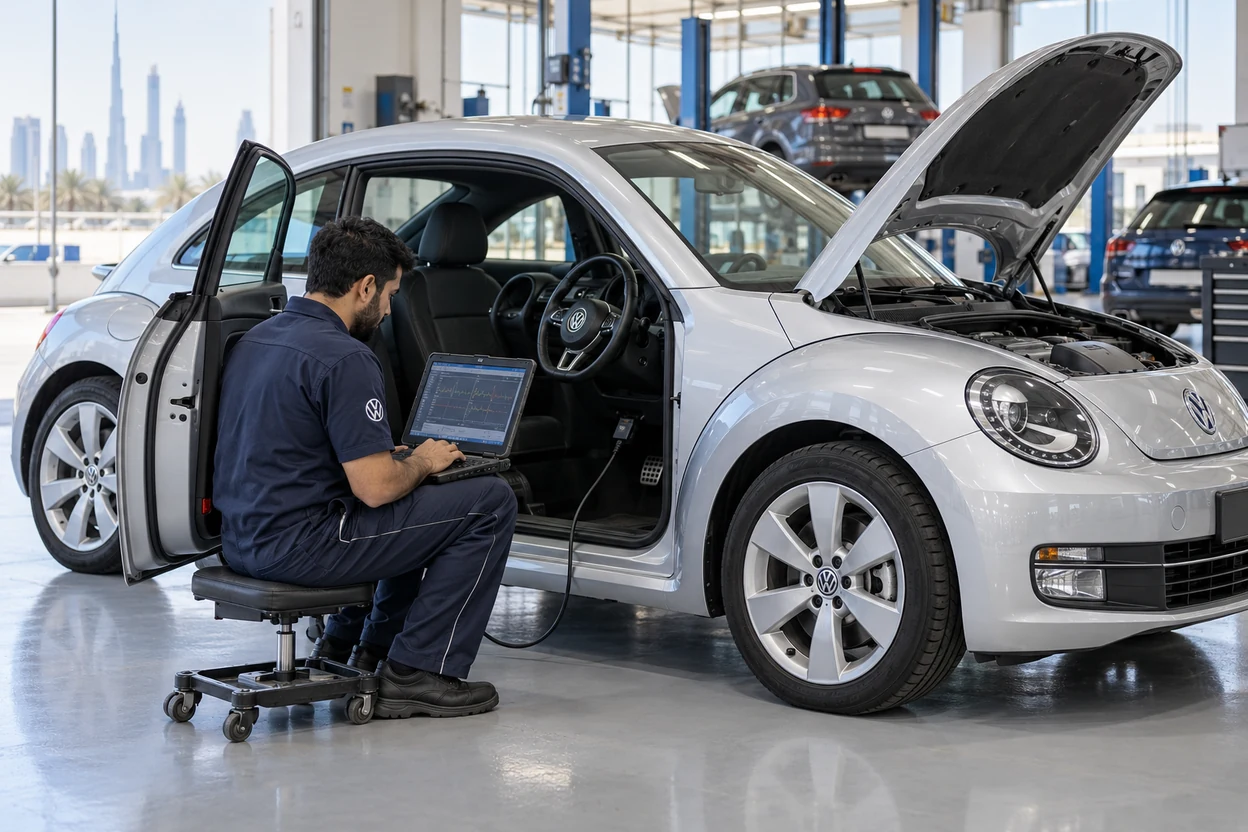
A long update also needs a healthy battery. If the voltage drops during an update the unit may stop part way, so a weak battery is worth testing first. Our VW battery replacement page explains how batteries are tested and coded.
Why can a region change or copied map file cause problems?
Online sellers sometimes offer region conversions or map files for any unit. Before you agree to anything, understand what can go wrong.
A forced region change can disable functions the unit was built to run, such as radio settings or phone projection.
An incompatible file or an interrupted install can leave the head unit unable to boot.
Modified software may no longer be supported for official updates or dealer help.
Map data is licensed. Unlicensed copies break those terms and can be illegal.
A mismatched or partial map can give routes that do not match the road, which is unsafe.
A unit that freezes or reboots while driving pulls your attention away from the road.
Our position on map files
We do not supply unlicensed or copied map files, and we do not promise that any imported unit can be converted to another region. A different region is not always possible, and copying another map package is not a universal conversion.
What we can do is identify the unit, check the official options that exist for it, and explain the choices honestly, including when the most reliable answer is to use phone navigation instead.
Is Apple CarPlay or Android Auto the simpler answer?
For many imported cars, phone projection solves the daily problem faster than chasing a factory map. Volkswagen App Connect brings supported phone apps to compatible infotainment systems, so a phone map with current UAE data appears on the car screen.
Factory navigation
- Works without a phone once suitable map data is loaded.
- Depends on an official region package for that exact unit.
- Arabic menus and voice guidance are separate capabilities.
- Updates follow the official portal or dealer route.
CarPlay or Android Auto
- Uses supported phone apps with their own current maps.
- Needs App Connect support on the unit, not just a touch screen.
- Wired and wireless support are separate checks.
- Does not convert the built in navigation system.
Two points save owners a lot of time. Activation cannot add missing hardware, and a map update does not create CarPlay support. If your phone charges but will not connect, test a suitable data cable and the data capable USB port before assuming a fault. Our guide to VW infotainment glitches covers safe resets for freezing and connection problems.
Find out what your imported unit can do
Our Al Quoz 4 workshop reads the infotainment unit with VW specific diagnostic software, records the part number and software version, and explains the legitimate options before any work, with a written quote first.
What do we check on an imported VW navigation system?
Every imported navigation enquiry in our workshop follows the same order, so the answer is based on the actual unit rather than on what the screen looks like.
Unit, software, then options
We identify first and advise second.
-
We ask what you want the system to do, such as UAE maps, Arabic menus, local radio or phone projection.
-
We read the unit with VW specific diagnostic software and record the part number, hardware and software version.
-
We check the original market from the VIN and compare it with the fitted equipment.
-
We check GPS reception, the antenna and USB hardware where position or phone connection is the complaint.
-
We check whether region or radio coding is a legitimate supported change for that unit, and whether an official map package covers the GCC.
-
We explain the options, including authorised setup, licensing or phone projection, and quote in writing before any work.
Some head units require coding, parameterisation, licensing or authorised component protection work when they are changed. Those steps are identified before anything is ordered. Full details of screen and unit work are on our VW navigation screen repair page.
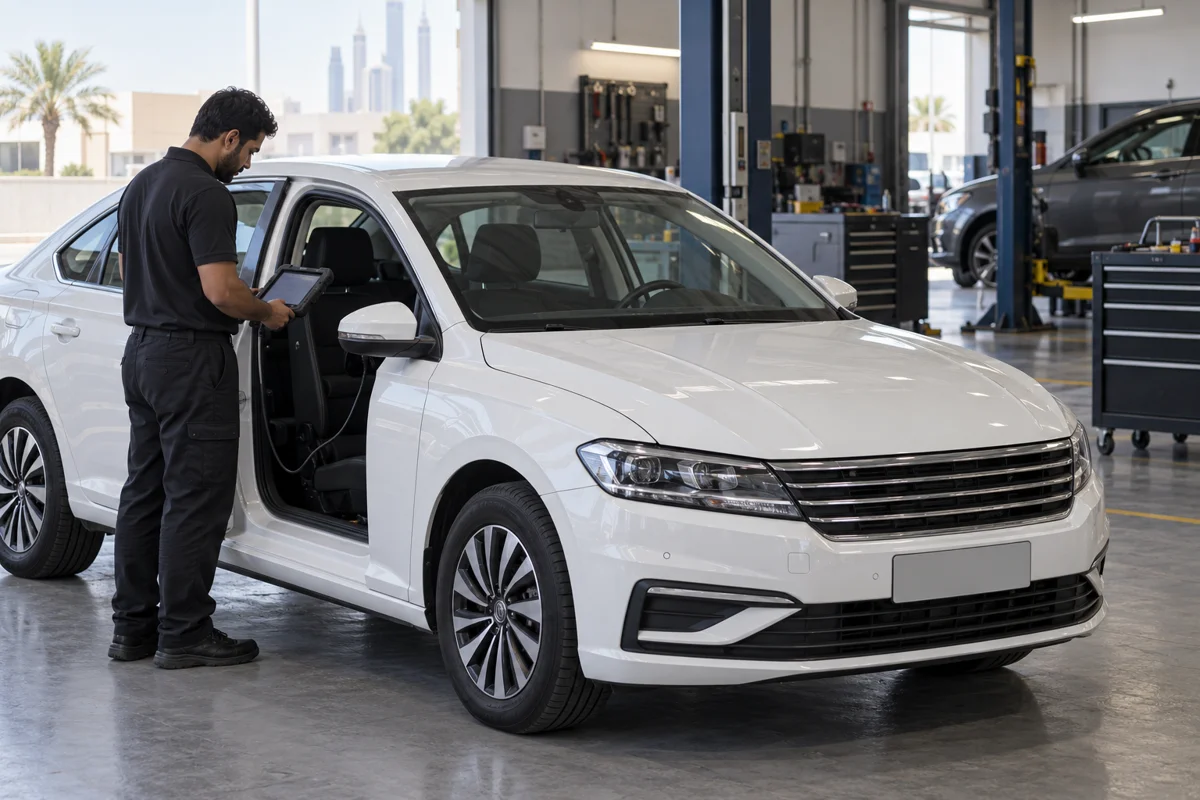
Should navigation affect buying an imported VW in Dubai?
If you are looking at an imported Volkswagen, check the infotainment before you agree a price. These are the four areas that cause the most disappointment after purchase.
Check what the unit is
Photograph the system information screen and note the original market before you buy.
Region coverage
Confirm whether the unit shows UAE maps or only its home market.
Local stations
Try tuning a few Dubai stations on FM and AM during the test drive.
App Connect
Connect your own phone by cable and check CarPlay or Android Auto opens.
A VW pre purchase inspection adds a full scan of the control units, so electrical and infotainment faults are seen before the sale rather than after. Wider electrical symptoms are covered in our VW electrical problems guide.
Quick answers about imported VW navigation
Why does my imported VW show no map? The unit likely holds map data for its original region only.
Can a map file from the internet fix it? Only official packages for your exact unit should be used.
Why do some stations not tune? The radio may use a different market tuning step or band.
Will a map update add Arabic? Not necessarily, as language is a separate capability.
Is CarPlay an option? Yes, where the unit supports App Connect.
Key navigation terms explained
These terms appear on update pages, scan reports and quotes.
- Head unit
- The infotainment computer that runs navigation, radio and phone functions.
- MIB
- The modular infotainment platform used across Volkswagen generations.
- Discover Media and Discover Pro
- Volkswagen factory navigation systems named on official map update pages.
- Map package
- The official region map data file that is matched to a navigation system.
- App Connect
- The Volkswagen function that brings supported phone apps to a compatible screen.
- Coding
- Changing supported settings in a control unit with diagnostic software.
- Component protection
- A security function that can need authorised setup when a unit is changed.
What to send before your visit
A few details let us judge what is possible for your car before you drive in.
- Model, year and mileage
- The country the car came from
- A photo of system information
- A photo of the navigation screen
- What you want the system to do
- Which radio stations will not tune
- Your phone model for CarPlay checks
- Any previous update or coding work
Send them on WhatsApp to 056 464 6081 and a technician will reply.
Questions about imported VW navigation and UAE maps
Why does my imported VW navigation show no UAE maps?
Volkswagen navigation units are supplied with map data and software for the market where the car was first sold. A car from the US, Japan, Europe, China or Canada usually holds maps for that region only. The screen works, but around Dubai it shows no roads, a grey area or the wrong country until a compatible package is found.
Can an imported VW be changed to GCC maps?
Sometimes, but it can never be promised. The original market, head unit part number, software version and available licensed map coverage must be checked first. Copying a different map package is not a universal conversion, and Arabic language support and connected services need their own checks. We explain the options after reading the unit with VW diagnostic software.
Do you install map files or convert the region?
We do not supply unlicensed map files and we do not promise a region conversion. We identify the unit and software, check whether official map packages or supported coding options exist for it, and explain them with a written quote before work. Where no reliable route exists, we tell you, and phone projection is often the practical alternative.
Why will my imported VW radio not tune some Dubai stations?
Radios follow the tuning plan of their home market. North American radios step FM in 200 kHz with odd decimals, so even decimal stations can be skipped. Japanese radios use a 76 to 95 MHz FM band, below many stations here. On some units a supported coding option changes this, and on others it is fixed.
How do I know if my VW has Discover Media or Discover Pro?
Open the system or version information screen in the settings menu and photograph it. The system name, unit part number and software version shown there, together with the VIN and model year, identify the unit. A touch screen or SD slot alone does not prove factory navigation is fitted, because some Composition systems have no navigation.
How are official Volkswagen map updates installed?
Volkswagen map update sites ask for the car, model year, navigation system and region file. The file is copied to an SD card or USB C drive and inserted with the ignition on, and the update should start automatically. Volkswagen says it can take up to 4 hours, pausing when the car is off.
Is it risky to use map files from online sellers?
Yes. Unlicensed or mismatched files can disable features, leave the unit unable to start, remove support for official updates and give routes that do not match the road. Map data is licensed, so unlicensed copies break those terms and can be illegal. Only official packages matched to your exact unit and software should be used.
Will Apple CarPlay or Android Auto solve the map problem?
Often, yes, where the unit supports App Connect. Phone projection shows a phone map app with its own current data on the car screen. It does not convert the built in navigation system, and activation cannot add missing hardware. Wired and wireless support are separate checks, and a map update does not create CarPlay support.
Why do voice control and Arabic not work on my imported VW?
Menu languages, spoken guidance and voice control come from the software build and, on newer systems, from online services that depend on the country, account and subscription. A unit built for another market may not include Arabic at all. A UAE map package, where available, does not automatically add a matching language or voice.
Get your imported VW navigation checked in Al Quoz 4
Volkswagen Repair Dubai is an independent VW workshop in Al Quoz 4, open Monday to Saturday, 9am to 7pm. Send a photo of the system information screen and tell us where the car came from, and we will advise the next step.
See screen and unit options on our navigation screen repair page and driver display work on our instrument cluster repair page.
How this guide was written
Written by the Volkswagen Repair Dubai workshop team in Al Quoz 4 and reviewed by our technical team in October 2026. It is based on the infotainment and navigation checks we carry out on imported Volkswagens in Dubai, on official Volkswagen map update information and on the radio band reference listed below.
Navigation systems, map coverage and update terms differ between models, markets and software versions, so always check the official update site and owner manual for your car. We do not supply unlicensed map files, and any work is quoted in writing after the unit is identified.
Technical references
- Volkswagen Australia, map updates, describing selection by car, model year and navigation system, SD card or USB C installation of up to 4 hours, and over the air updates on some newer models.
- Volkswagen Vans UK, satellite navigation, describing Discover Media and Discover Pro map packs, dealer SD cards and twice yearly releases.
- FM broadcast band reference, describing 200 kHz and 100 kHz channel plans and the 76 to 95 MHz Japanese FM band.