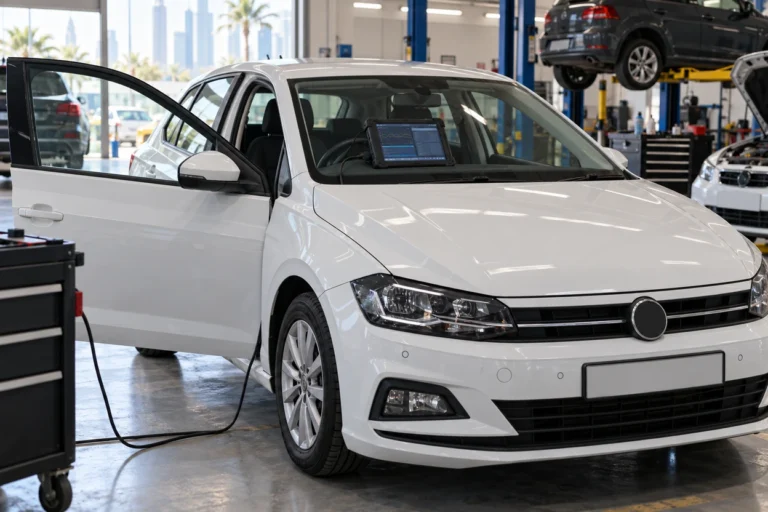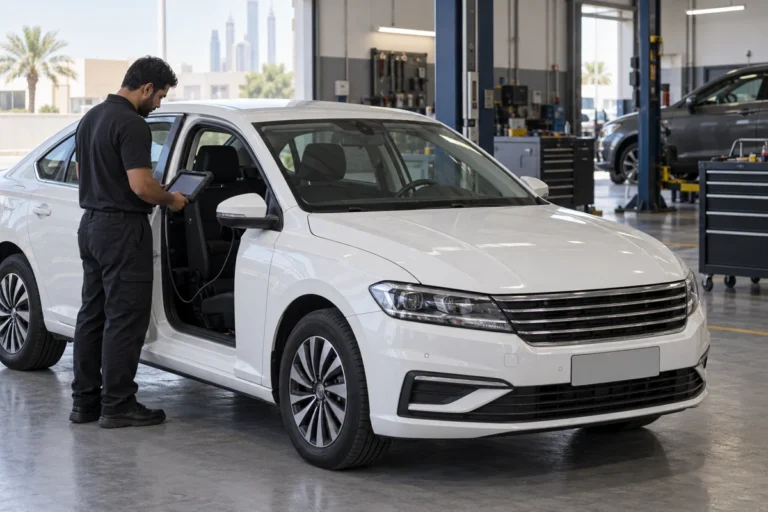
In this guide
Most VW infotainment glitches, such as a frozen screen, no sound or CarPlay dropping out, start with a simple restart. With the car parked, press and hold the infotainment power button for at least 10 seconds until the system restarts, then allow a few minutes for it to load. If the fault returns, check the phone, cable and battery voltage before any factory reset, because a factory reset erases paired phones and saved settings.
Written by the Volkswagen Repair Dubai workshop team in Al Quoz 4. Reviewed by the technical team, updated October 2026.
Key takeaways
- Start with a restart. Holding the power button for at least 10 seconds reboots most VW infotainment systems.
- A restart can take several minutes to fully load on newer systems. Do not press buttons repeatedly while it starts.
- Many connection faults are the phone, the cable or the app, not the car.
- A factory reset erases paired phones, presets and user profiles. Note what you need first.
- A weak battery or charging fault can cause reboots, frozen screens and warnings on other systems too.
- Software updates, coding and screen repairs need VW diagnostic equipment and the right parts.
What kind of infotainment glitch do you have?
Different faults point to different fixes. Match what you see with the most likely cause before trying anything.
| What you notice | Most likely cause | First step |
|---|---|---|
| Frozen or black screen | Software hang or a display fault | Restart the system |
| No sound, screen works | Wrong source, muted output or amplifier fault | Check source and volume, then restart |
| CarPlay or Android Auto drops | Cable, phone settings or app update | Try another certified cable and port |
| Bluetooth will not pair | Too many saved devices or a phone issue | Delete old pairings on both sides |
| Reboots by itself | Low voltage, software fault or overheating | Check the battery, then the software |
| Touch not responding | Screen calibration or a failed touch panel | Restart, then book a screen check |
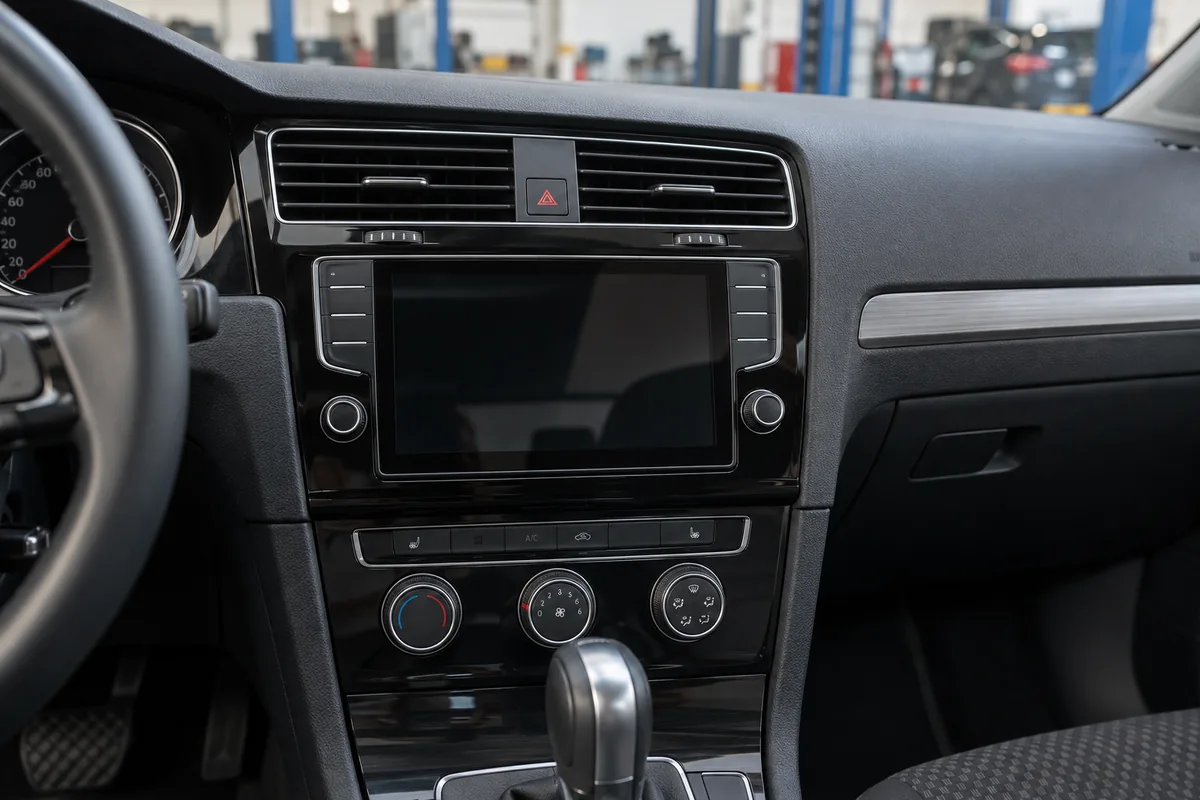
How do you restart a VW infotainment system?
A restart, sometimes called a soft reset, closes the software and starts it again. It does not erase your settings. Do it with the car parked and the engine running or the ignition on.
-
Park safely
Stop the car in a safe place. Never try a reset while driving.
-
Find the power button
On most VWs it is the volume knob or a power symbol button on or below the screen.
-
Hold for 10 seconds
Press and hold it for at least 10 seconds until the screen goes dark and the logo appears.
-
Wait for it to load
Let the system start fully. Newer systems can take a few minutes to finish loading.
-
Test the fault
Check whether the fault has gone. If not, repeat once, then move to the next checks.
A Volkswagen service bulletin for MIB3 systems gives the same step, holding the On and Off button for at least 10 seconds, and notes the system can take up to five minutes to start. Older units usually restart faster.
Which VW infotainment system does your car have?
VW has used several generations of infotainment, and the menus and reset options differ between them. Knowing yours makes the steps easier to follow.
Older systems with knobs
Composition and Discover units with physical volume and tuning knobs, found on many earlier Golf, Passat, Jetta and Tiguan models.
MIB3 touch systems
Newer touch focused systems with slider controls, used on the Golf 8, later Tiguan and other recent models.
ID models
Electric ID models use their own touch system and screen layout, with settings in the vehicle menu.
Not sure?
The owner manual or the system information menu shows the unit and software version.
Menu names vary by model and software. If your screen differs from these descriptions, follow the owner manual for your car.
Screen still frozen after a restart? Tell us your model, year and what the screen shows, and we will tell you what to check next.
How do you fix CarPlay, Android Auto and Bluetooth problems?
Phone connection problems are the most common infotainment complaint. In many cases the car is fine and the cause is the phone, the cable or a recent app update.
- Try another cable, ideally a short certified data cable, not a charge only cable.
- Try another USB port, as some ports in the car only charge.
- Restart the phone and check it has the latest software update.
- Delete the car from the phone and the phone from the car, then pair again.
- Remove old pairings, because a full device list can stop new phones pairing.
- Check phone settings, such as CarPlay allowed while locked and Bluetooth permissions.
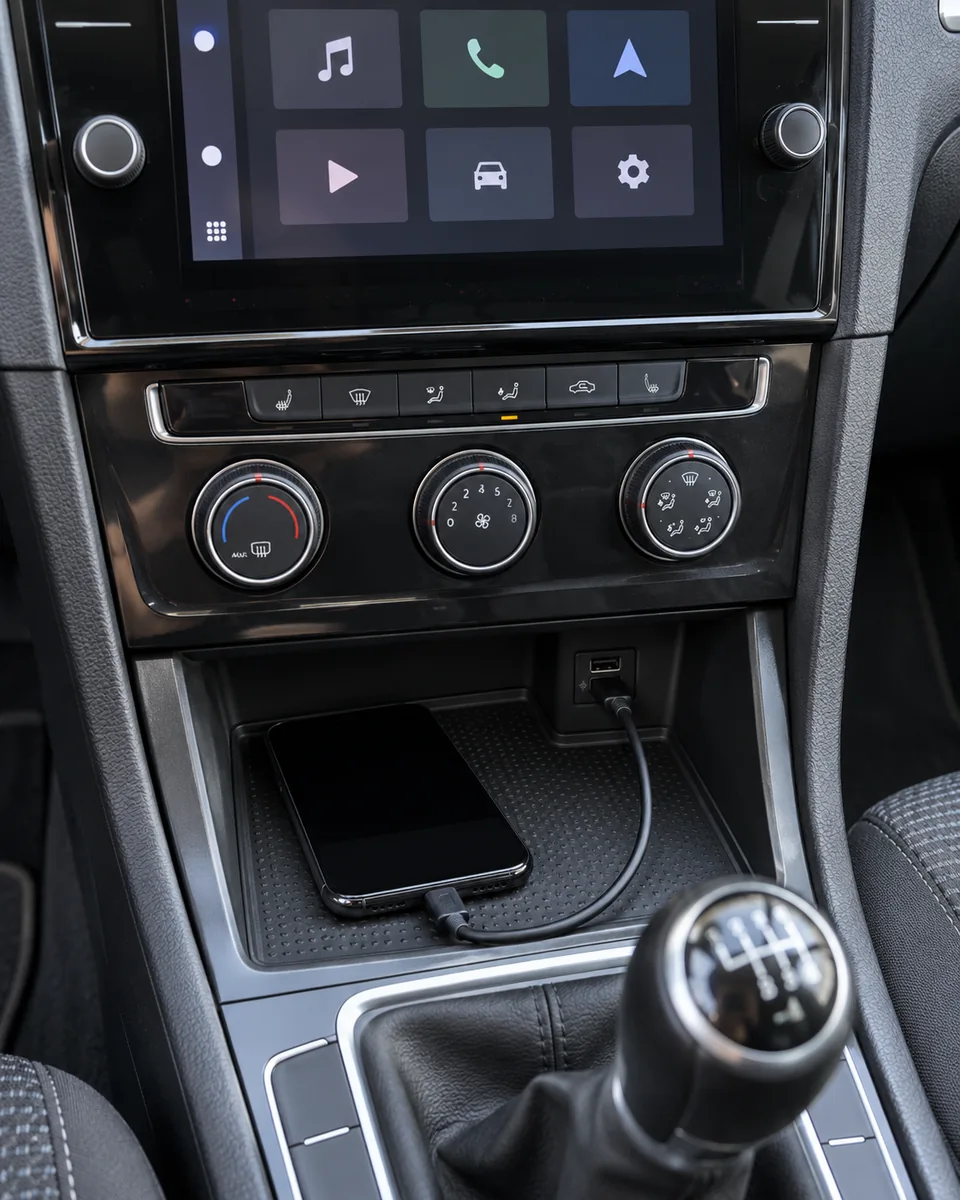
If CarPlay or Android Auto has never worked on your car, the feature may not be activated. App Connect activation and compatibility are covered on our navigation screen repair page.
When should you use a factory reset?
A factory reset returns the system to its original settings. It can clear stubborn software faults, but it also erases your data. Use it only after a restart and the phone checks have not helped.
Restart
Holding the power button restarts the system without erasing anything. Always start here.
Phone and cable checks
Re pairing, a new cable and phone updates fix most connection faults without touching the car settings.
Factory reset
Erases paired phones, radio presets, profiles and other settings. Note what you need before you start.
The factory reset option is usually in the system settings menu, often under a name such as factory settings. It may let you reset everything or only certain areas. Follow the on screen prompts and your owner manual, and keep the ignition on until it finishes.
Paired phones, favourites, radio presets, navigation destinations and user profiles can all be lost. Write down anything you need, such as preset stations and saved addresses, before you reset. Some data stored in your VW online account may restore after you sign in again.
Can a weak battery cause infotainment glitches?
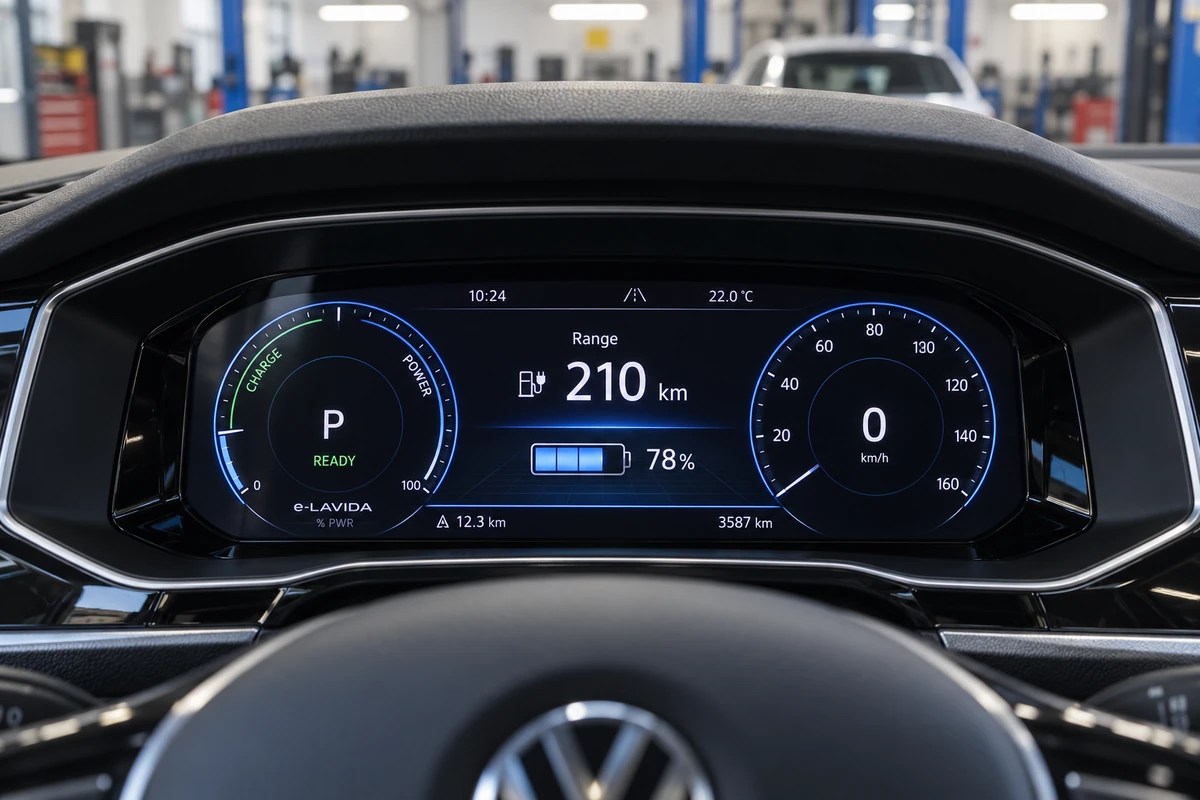
Yes. Infotainment units need steady voltage. When the battery is weak or the charging system has a fault, the screen can freeze, reboot or show warnings, especially at start up or with the AC running.
- Reboots at start up
- Voltage drops sharply while the engine cranks. A weak battery can make the system restart or freeze.
- Several warnings at once
- Infotainment glitches together with other warnings often point to low voltage rather than the screen.
- Start stop not working
- When the car disables start stop, the battery may be low, which can also affect electronics.
- After a jump start
- A deep discharge can leave modules with stored faults that need reading and clearing properly.
Our guide to VW battery problems explains how to tell a weak battery from a charging fault. You can also check the voltage yourself with our VW battery tester guide, and if the battery is failing, see our Volkswagen battery replacement service. A charging fault may point to the alternator.
Does Dubai heat affect VW screens?
High cabin temperatures can affect electronics. A car parked in summer sun can become very hot inside, and some systems slow down or protect themselves until the cabin cools.
- 1Hot cabin
The car sits in full sun with the windows closed.
- 2Electronics heat up
The screen and unit behind the dashboard get very hot.
- 3Slow response
The system may be slow, dim or restart until it cools.
- 4Recovers when cool
If it works normally once cool, heat was the likely trigger.
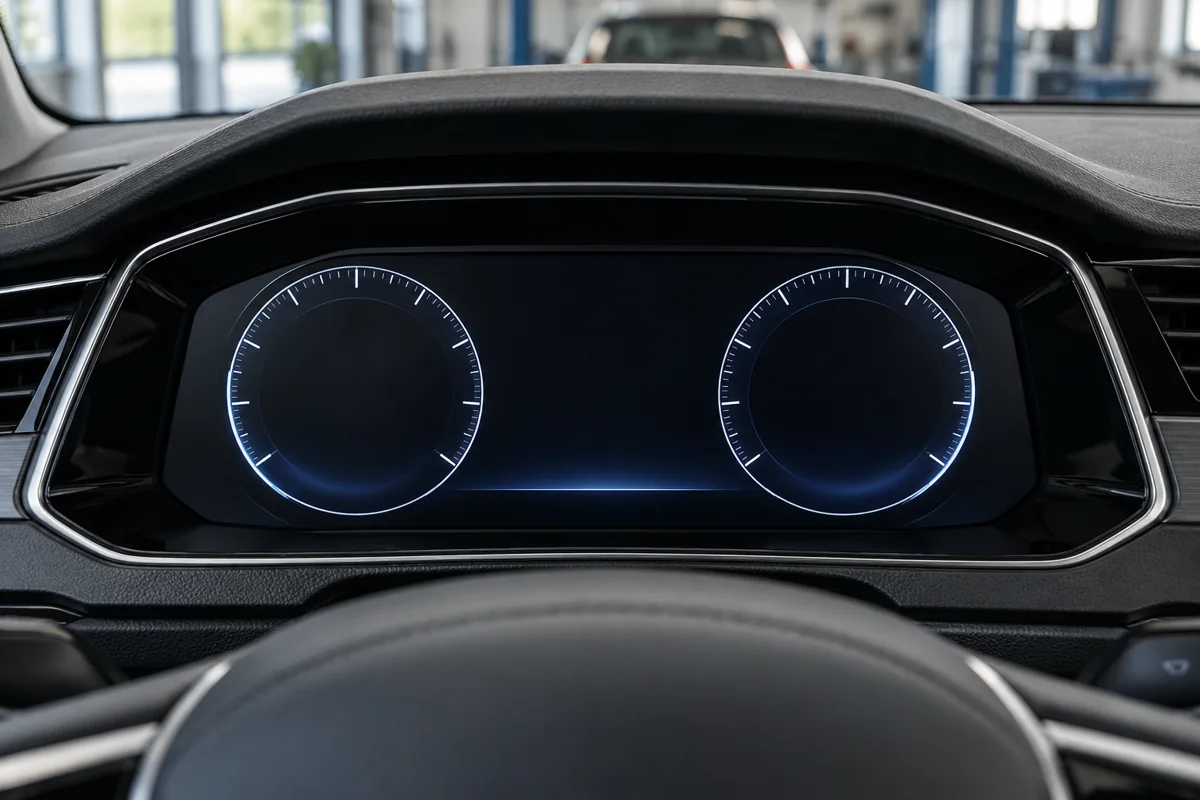
Using a sunshade and running the AC for a few minutes before relying on the screen can help. A fault that happens even when the cabin is cool needs checking.
When does a VW infotainment fault need a workshop?
Some faults cannot be fixed with a reset. These are the situations where diagnosis and the right equipment are needed.
Repeat faults need diagnosis
If the same fault returns after a restart and the basic checks, stored faults and software need reading.
Update or correction
A software update or correction is carried out with VW diagnostic equipment, using the correct version for your unit.
Screen or unit fault
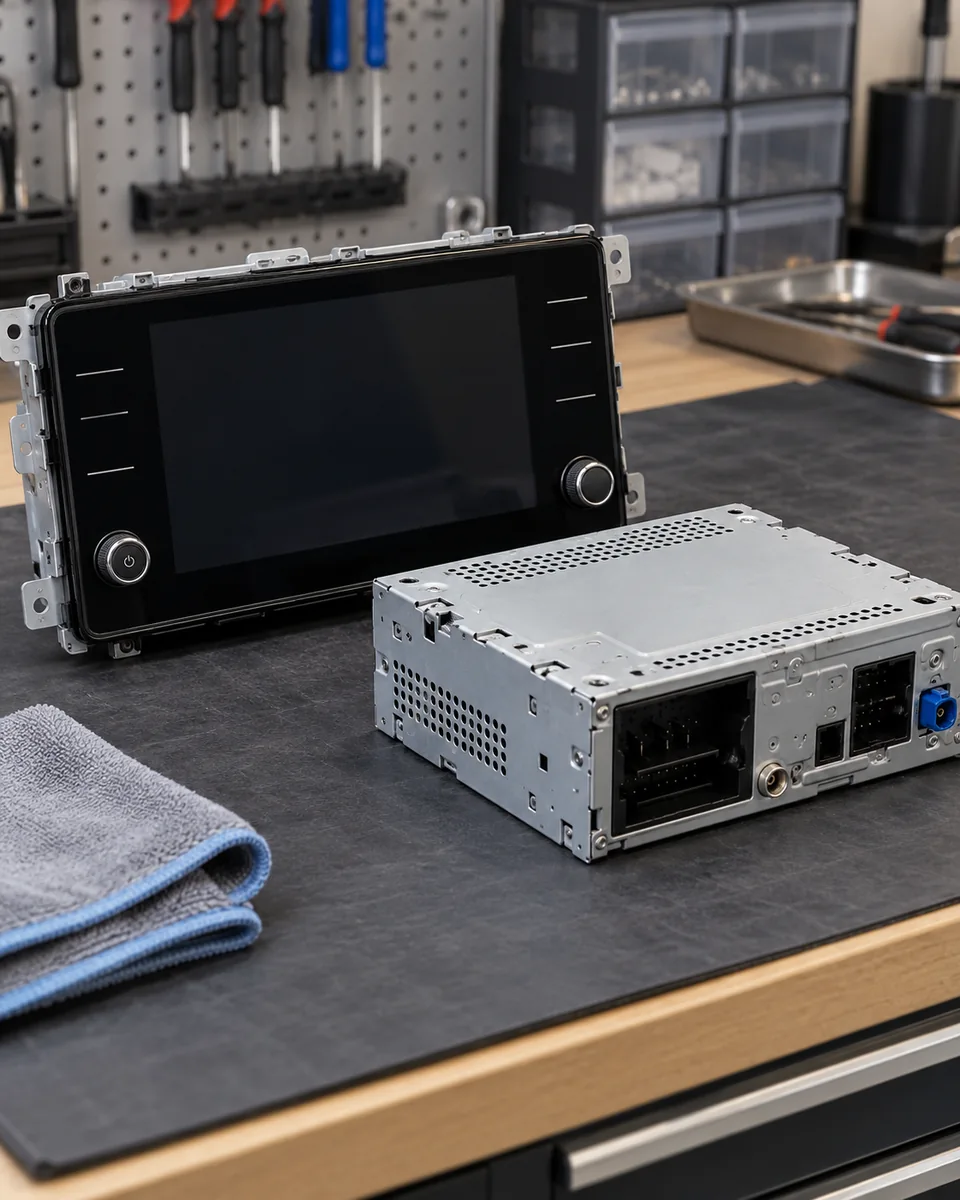
Dead touch areas, a cracked or dark display, or a unit that will not start may need repair or replacement.
Missing functions
App Connect, navigation maps and some features depend on the unit, region and activation.
We do not recommend downloading unofficial firmware or modifying the unit yourself. A failed update can leave the system unusable and can affect other modules in the car. Where a fault involves other control units, our Volkswagen ECU repair team checks them with the same diagnostic equipment.
How much does VW infotainment repair cost in Dubai?
The cost depends on whether the fault is software, the screen or the complete unit. These guide ranges come from our navigation screen service. They are alternatives, not one bill added together.
| Repair | Guide range | When it fits |
|---|---|---|
| Software correction | AED 250 to 500 | Suitable update or reset after fault assessment |
| Touch screen repair | AED 800 to 1,500 | One repairable touch or display fault |
| Display replacement | AED 1,500 to 5,000 | Selected Tiguan display assembly examples |
| Complete infotainment unit | AED 3,500 to 7,000 | Selected Golf unit replacement examples |
Indicative planning guides from selected models. The system fitted and the fault found decide the quote. Details are on our Volkswagen navigation screen repair page.
Fix the cause, not just the screen
Our Al Quoz 4 workshop reproduces the fault, checks battery voltage, reads the stored faults and identifies your system, then explains whether software, the screen or the unit needs attention, with a written quote before work.
Infotainment mistakes we see
A restart fixes most glitches without losing your data.
Let the system finish starting before using it.
CarPlay and Android Auto need a proper data cable.
This can create new faults and lose settings in other modules.
A failed or wrong update can leave the unit unusable.
Low voltage or software can mimic a failed screen.
Quick answers about VW infotainment glitches
How do I reboot my VW infotainment? Park, then hold the power button for at least 10 seconds until it restarts.
Will a restart delete my settings? No. A restart keeps your settings. A factory reset erases them.
Why does CarPlay keep disconnecting? Usually the cable, the USB port or a phone setting.
Can a weak battery cause screen problems? Yes. Low voltage can cause reboots and freezing.
How long does a restart take? Usually under a minute, but newer systems can take several minutes.
Key infotainment terms explained
These are the terms you will see in menus, manuals and repair quotes.
- Infotainment unit
- The system that runs the radio, phone connection, navigation and media on the centre screen.
- MIB
- Modular Infotainment Platform, the name for the generations of VW infotainment hardware.
- Soft reset
- A restart of the system that keeps your settings and data.
- Factory reset
- A reset to original settings that erases paired phones, presets and profiles.
- App Connect
- The VW feature that supports Apple CarPlay and Android Auto on equipped cars.
- Software version
- The installed version of the system software, shown in the system information menu.
What we check first on an infotainment fault
Every infotainment complaint in our Al Quoz 4 workshop follows the same order, so the real cause is found before parts are suggested.
Voltage, software, then hardware
Many screen faults are not the screen.
-
We reproduce the fault with you, using your usual phone and cable where the problem involves a connection.
-
We test the battery and charging system, because low voltage causes many reboots and freezes.
-
We read stored faults in the infotainment and related modules with VW diagnostics.
-
We identify the system, software version and fitted features, and check for a suitable software correction.
-
Only then do we assess the screen or unit for repair or replacement, and explain the options.
What to send before your visit
A photo or short video and a few details help us understand the fault before you arrive.
- Model, year and trim
- A photo or video of the fault
- When it happens, cold, hot or always
- Your phone model and software version
- Whether you tried a restart
- Any other warnings on the dashboard
- Recent battery change or jump start
- Any recent software or screen work
Send them on WhatsApp to 056 464 6081 and a technician will reply.
Questions about VW infotainment glitches
How do I reset my VW infotainment system?
For a restart, park the car and hold the infotainment power button for at least 10 seconds until the screen goes dark and restarts. Newer systems can take a few minutes to finish loading. This keeps your settings. A factory reset, found in the system settings menu, erases data and should be used only if a restart does not help.
Will resetting my VW infotainment delete my data?
A restart does not delete data. A factory reset does, including paired phones, radio presets, saved destinations and user profiles. Some settings linked to an online VW account may return after you sign in again. Write down anything important before a factory reset.
Why does my VW screen keep freezing?
Common causes are a software fault, low battery voltage, high cabin temperature or a failing unit. A restart usually clears a one off freeze. If it keeps happening, the battery and charging system are checked and the stored faults read, then the software version is checked for a suitable correction.
Why does Apple CarPlay keep disconnecting in my VW?
The usual causes are a worn or charge only cable, a USB port that only charges, a phone setting or a recent phone update. Try a short certified data cable in another port, restart the phone and pair again. If CarPlay has never worked, App Connect may not be activated on the car.
Why is there no sound from my VW radio?
Check the audio source, the volume and whether sound is muted or routed to a phone. A restart often restores sound. If the screen works but there is still no sound from any source, the amplifier, speakers or wiring may need checking with diagnostics.
Can I update my VW infotainment software myself?
Some systems support updates from Volkswagen through official channels. We advise against unofficial firmware or modifications, because a failed or wrong update can leave the unit unusable and affect other modules. Updates and corrections at the workshop use VW diagnostic equipment and the correct software for your unit.
Does heat damage VW infotainment screens?
Very high cabin temperatures can make screens slow, dim or restart until the car cools. This is usually temporary. A sunshade and running the AC before relying on the screen help. A fault that also happens when the cabin is cool points to a software or hardware problem that needs checking.
Is it the screen or the head unit that has failed?
On some VWs the display and the computer behind it are separate parts. A dark screen with working sound points to the display, while no sound and no screen can point to the unit or its power supply. Diagnosis identifies which part has failed before anything is replaced.
How much does VW infotainment repair cost in Dubai?
Our guides are AED 250 to 500 for a software correction, AED 800 to 1,500 for a repairable touch screen fault, AED 1,500 to 5,000 for selected display replacements and AED 3,500 to 7,000 for selected complete units. The system and the fault decide the final quote.
Get your screen checked in Al Quoz 4
Volkswagen Repair Dubai is an independent VW workshop in Al Quoz 4, open Monday to Saturday, 9am to 7pm. Send your model and a short video of the fault, and we will tell you what to check first.
See repair options and prices on our Volkswagen navigation screen repair page.
How this guide was written
Written by the Volkswagen Repair Dubai workshop team in Al Quoz 4 and reviewed by our technical team in October 2026. It is based on the diagnosis steps we follow on Volkswagen infotainment faults in Dubai, together with Volkswagen owner information and the service bulletin listed below.
Menu names and reset options differ between VW models and software versions, so always follow the owner manual for your car. Prices are the indicative guide ranges published on our own service pages, not fixed quotes.
Technical references
- Volkswagen MIB3 recovery service bulletin, published by NHTSA, giving the step of holding the On and Off button for at least 10 seconds and allowing up to five minutes for the system to start.